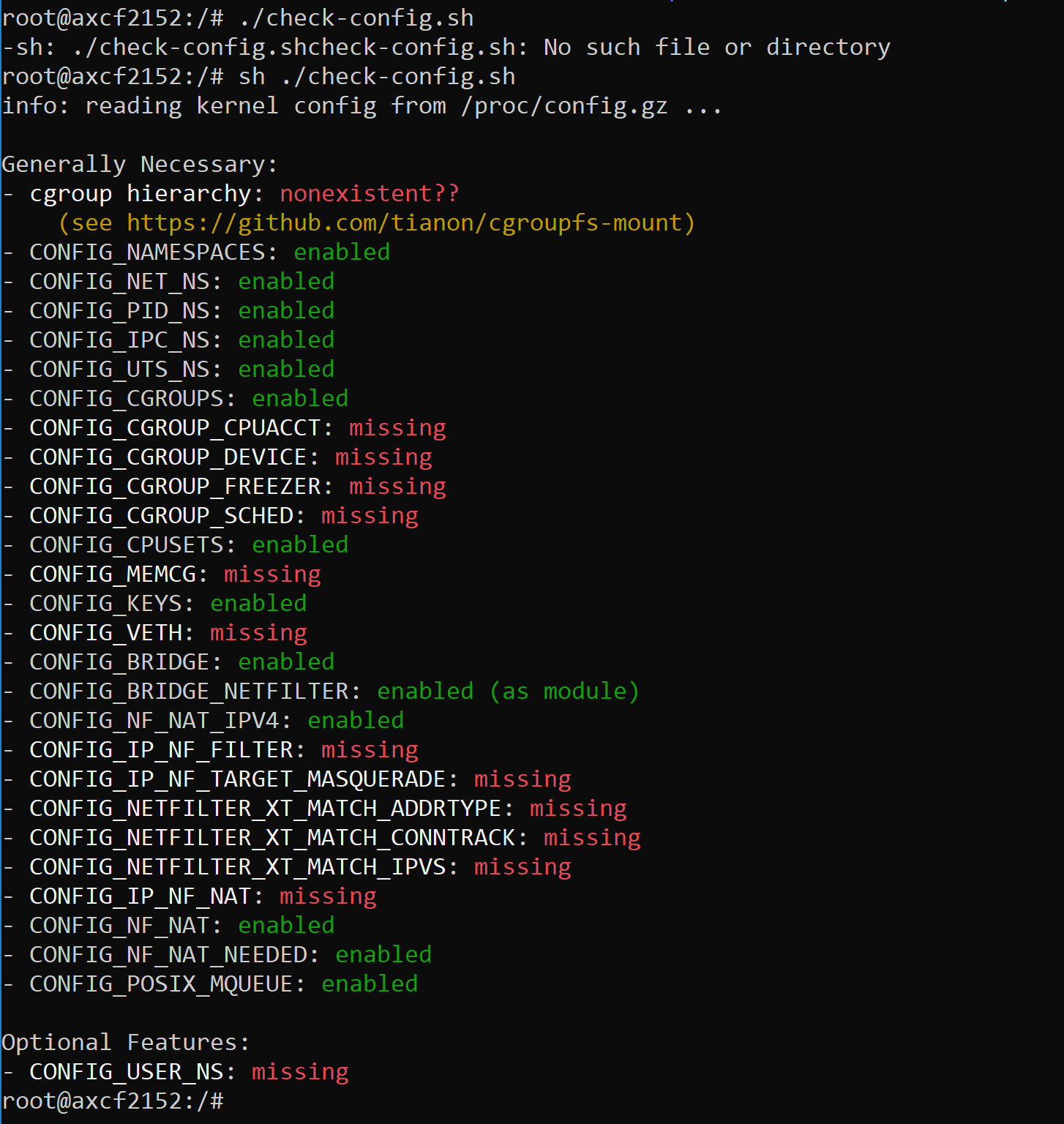
 Hi, Trying to install balena-engine on the 2152 and have encountered a few issues. I ran a configuration check to see if the device will support the engine and received the output above. It appears that these configuration options require the associated kernel modules to be installed. What would be the best way to install these modules onto the device? An associated error that is being thrown on start up is “Your kernel does not support cgroup memory limit” Thanks for help
Hello, I believe that the only option in this case would be to rebuild the kernel with the missing modules. Currently we are not planning to offer custom built kernel. However your question is an interesting one - my colleagues have already been discussing the possibility of running Docker containers on the PLC - so I will forward this to the relevant Product Manager for comment. - Martin. Edit:
In a former version it was mentioned, that Phoenix Contact does not publish our kernel sources. This was a mistake!
Of course it is possible to get the kernel sources by following the procedure described in the handbook.
Any progress on running Docker on PLC Next?
Hi guco, AXC F 2152 firmware version 2020.0 is “Docker™ ready”. In practice, this means that it runs the latest stable version of Docker for Linux/armhf (version 19.03.5). However, in order to use Docker on an AXC F 2152 for any practical application, there are quite a few manual steps that must be taken, and even then it may not be possible to use all Docker features (at the moment). We have some activities scheduled for the next few weeks where we will explore the Docker features of the current firmware, and we will share the results with the Community. ~ Martin.