Hello, team!
Faced withe the next situation, while configuration of plc with fw 2026.02 LTS (Project created with ide 2026.3)
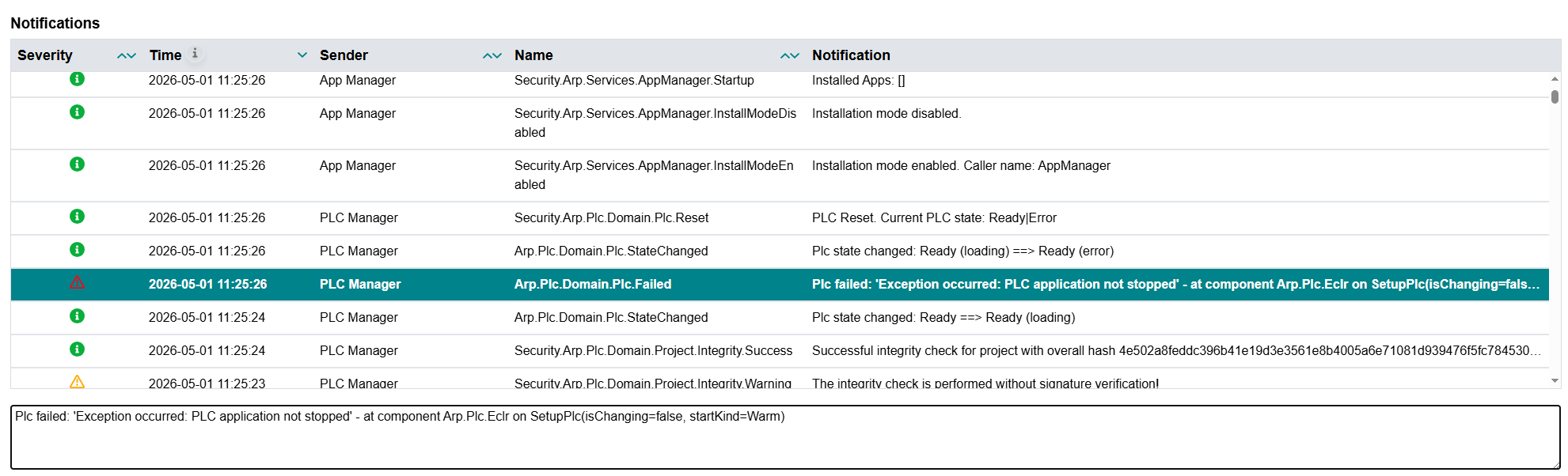
If I deactivate Network limiter system service via WBM, plc fail to start project with error “Plc failed: ‘Exception occurred: PLC application not stopped’ - at component Arp.Plc.Eclr on SetupPlc(isChanging=false, startKind=Warm)”
Update on reproducing the issue. It looks like the error is specifically related to the inclusion of the PLCnext_Base 1.8 library.
Here are the exact steps to reproduce:
Update the controller firmware to 2026.0.2. Type 1 Reset after all.
Download a project that includes the PLCnext_Base 1.8 library.
Initialize the library using the PBCL_Setup_1 function block.
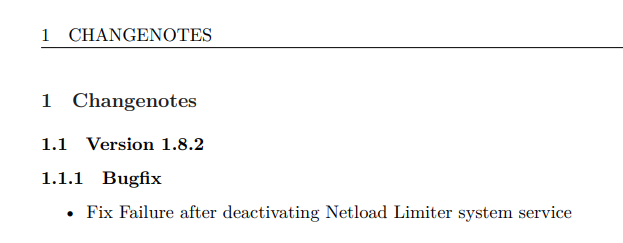
Disable the NetloadLimiter via WBM (Web-Based Management).
Reboot the controller. After the reboot, the project fails to start.
Ichtios wasn’t able to reproduce this error on their end, but I am consistently facing this issue and haven’t been able to find a workaround to get rid of it.
Has anyone else encountered this specific behavior?