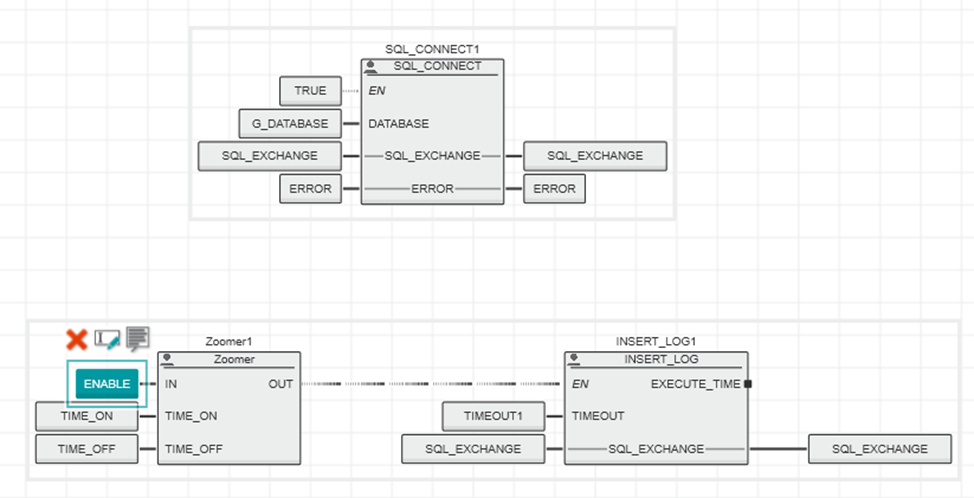
Briefly about the stacks on which this problem manifested itself:
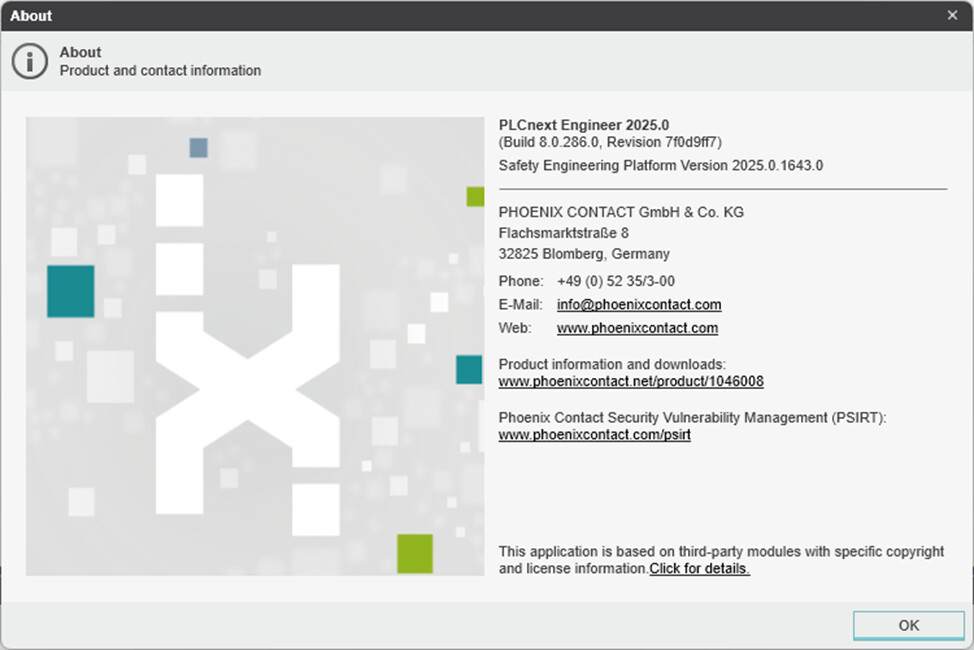
- IDE – PLCNext Enginer 2024.0.4 LTS
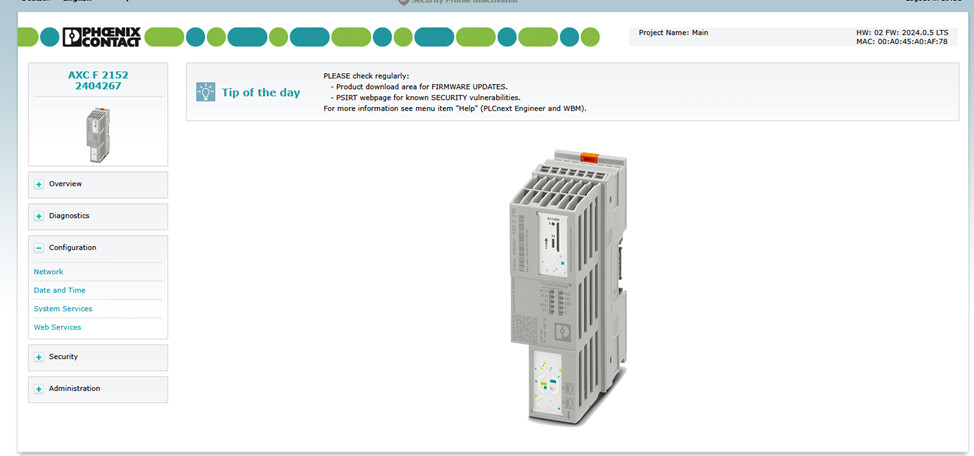
Controller – AXCF2152
Hardware Version - HW: 04 FW: 2024.0.5 LTS
DBFL Version - 8 - IDE – PLCNext Enginer 2024.6
Controller – AXCF2152
Hardware Version - HW: 04 FW: 2024.0.5 LTS
DBFL Version - 8 - IDE – PLCNext Enginer 2025.0
Controller – AXCF2152
Hardware Version - HW: 06 FW: 2025.6.0 LTS
DBFL Version – 10
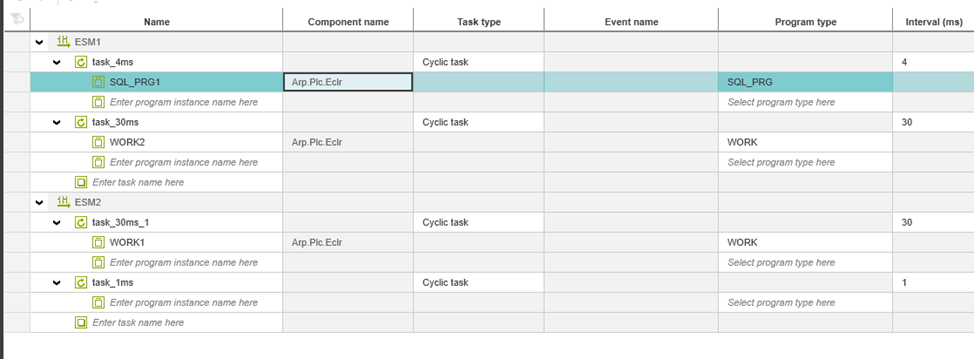
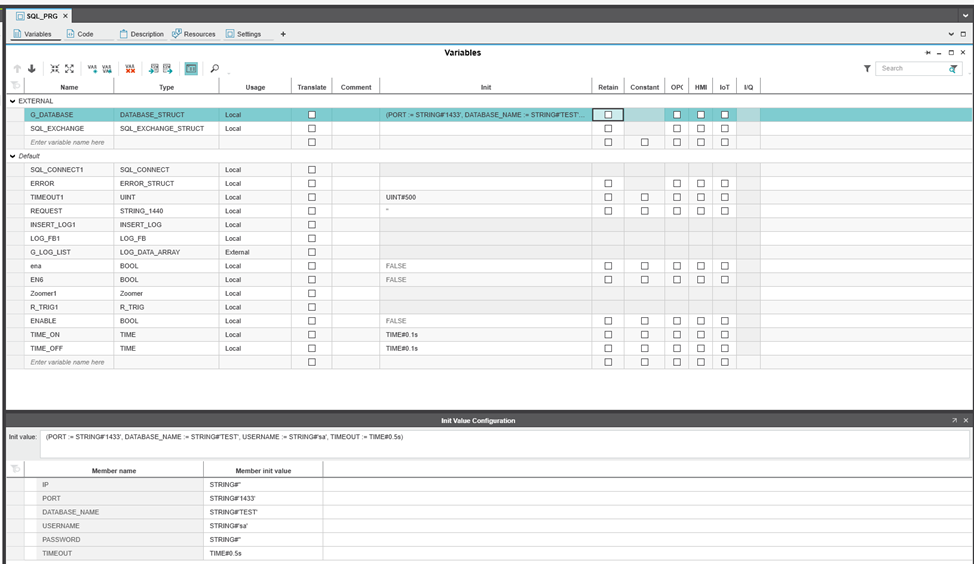
The program cycle for working with SQL is 4ms
In the end, I chose DBFL Version 10 for testing, as it provides access to the udtDiag structure.
In the process of integration and behavior diagnostics, an error was identified in the logic of processing asynchronous sending, leading to the inability to send data in the presence of short pulses of the REQ input signal.
1. Problem search description
The internal logic of the library is as follows:
- A database connection is established via TLS_SOCKET_2.
- Waiting for a request from the user
- Sending data via TLS_SEND_2
- Receiving a response via TLS_RECEIVE_2
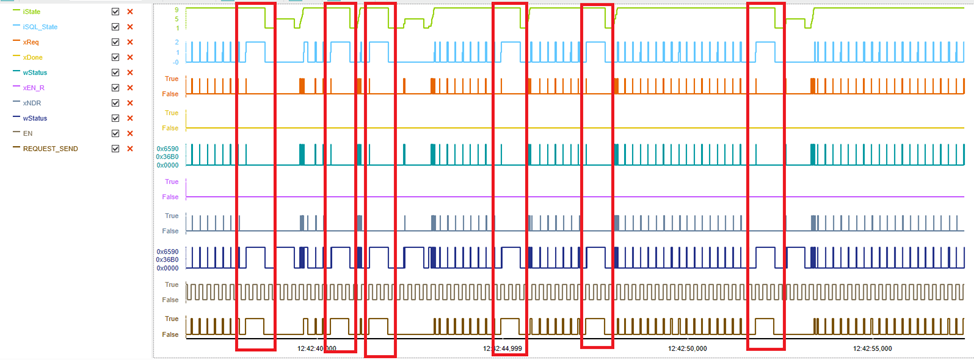
According to Logic Analyzer, I can see that when a problem occurs, the library is always in the state of receiving a response from the database. I created a local database on my work laptop and decided to track the movement of packets and came to the conclusion that the library was not sending the request.
The image shows that it went into standby mode after it was sent (the label on the pointer).
Meanwhile, in Wireshark, I see the following
The first 3 lines refer to the previous query (example of a successful query):
The image shows that the SQL request has arrived
The image shows that the response to the request has been sent
The image shows that the response to the request has been received
As you can see from the packet arrival data, he sent a packet about closing the connection (the closure occurred due to a timeout, the label on the pointer, the sending time approximately corresponds to the arrival time of the packet in Wireshark)
From which I concluded that the request does not even arrive at the database server.
2. Checking the reasons for this behavior
Since the library uses TLS_2 function blocks, it was decided to look at working with them.
After examining the internal structure of the PLCnext Controller.pcwlx library files (since version 2025.0, the TLS_2 block implementation has been moved here), I found that the implementation of these blocks is in the file Arp.Iec.Sockets.dll .
Using the dnSpy tool, I decompiled this file. After studying the library and the program’s capabilities, I came to the conclusion that I can add logs, after looking at which I can understand the reason for this behavior.
Implementation of the TLS_SEND_2 class
     public void __Process()
      {
         ...
         else if (TlsSocketBase.IsFallingEdge(this.REQ, ref this.m_REQ))
         {
             object syncLock = this.m_syncLock;
             lock (syncLock)
             {
                 Log.Warning("Set m_busy in {0}", new object[]{ false});
                 this.m_done = false;
                 this.m_busy = false;
                 this.m_asyncBusy = false;
                 this.m_statusCode = StatusCodes.NoError;
                 this.BUSY = false;
                 this.DONE = false;
                 this.ERROR = false;
                 this.STATUS = 0;
             }
         }
         if (this.REQ)
         {
             bool done = false;
             bool flag2 = false;
             bool flag3 = false;
             this.UpdateFlags(out done, out flag2, out flag3);
             if (flag2 && !flag3)
             {
                 this.SetFlags(done, flag2, true, this.m_statusCode);
                 Log.Warning("WAIT FOR SEND {0}", new object[] {this.HANDLE});
                 ThreadPool.QueueUserWorkItem(new WaitCallback(this.ProcessSend));
             }
         }
      }
      Here I have activated 2 events: unchecking the m_busy flag and queuing for write execution.
     private void ProcessSend(object state)
     {
         Log.Warning("SENDER {0} - working 0", new object[]{this.HANDLE});
         bool flag = false;
         object syncLock = this.m_syncLock;
         lock (syncLock)
         {
             Log.Warning("SENDER {0} - this.m_busy = {1} this.m_asyncBusy = {2}", new object[]{ this.HANDLE, this.m_busy, this.m_asyncBusy});
             if (!this.m_busy && !this.m_asyncBusy)
             {
                 return;
             }
         }
         Log.Warning("SENDER {0} - working 1", new object[]{this.HANDLE});
         StatusCodes statusCode;
         int num = TlsSocketBase.ProcessSend(this.HANDLE, this.SEND_SECURE, out statusCode, out this.m_hasPassiveClose);
         Log.Warning("SENDER {0} - working 2 {1}", new object[]{this.HANDLE, num});
         ...
     }
Here I’ve analyzed some of the steps to understand exactly where it ends. After reviewing the logs, I found the following 08.12.25 06:52:06.634 Arp.Iec.DotNet WARN - WAIT FOR SEND 1073742108 08.12.25 06:52:06.636 Arp.Iec.DotNet WARN - SENDER 1073742108 - working 0 08.12.25 06:52:06.636 Arp.Iec.DotNet WARN - SENDER 1073742108 - this.m_busy = True this.m_asyncBusy = True 08.12.25 06:52:06.637 Arp.Iec.DotNet WARN - SENDER 1073742108 - working 1 08.12.25 06:52:06.638 Arp.Iec.DotNet WARN - Set m_busy in False 08.12.25 06:52:06.644 Arp.Iec.DotNet WARN - SENDER 1073742108 - working 2 115 08.12.25 06:52:07.234 Arp.Iec.DotNet WARN - WAIT FOR SEND 107374210808.12.25 06:52:07.238 Arp.Iec.DotNet WARN - Set m_busy in False08.12.25 06:52:07.240 Arp.Iec.DotNet WARN - SENDER 1073742108 - working 0****08.12.25 06:52:07.241 Arp.Iec.DotNet WARN - SENDER 1073742108 - this.m_busy = False this.m_asyncBusy = False
First 6 lines is a reference, as it was executed, which is confirmed via Wireshark and packet tracking.
The last 4 lines , we see the following, sending the request did not go beyond working 0, since the log shows that this.m_busy = False, this.m_asyncBusy = False We also see that after queuing for sending, a log is executed in which that this.m_busy = False.
By referring to the code, you can see that this log is executed when the condition is met
TlsSocketBase.IsFallingEdge(this.REQ, ref this.m_REQ)
From this, I conclude that the implementation of the DBFL library removes the REQ flag prematurely, and the queued task
ThreadPool.QueueUserWorkItem(new WaitCallback(this.ProcessSend))
Is executed later than the next program cycle is executed.
Since I do not have the opportunity to refer to the DBFL implementation, I was able to draw only this conclusion based on the observations I received.
Please confirm:
- The correctness of the identified scenario and the confirmation of the hypothesis about the incorrectness of working with the REQ flag.
- Is there a fix planned in a future version of the library?