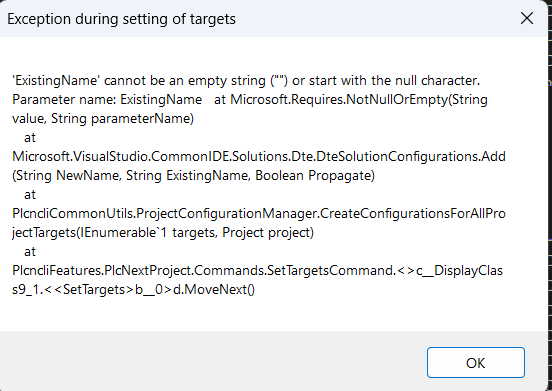
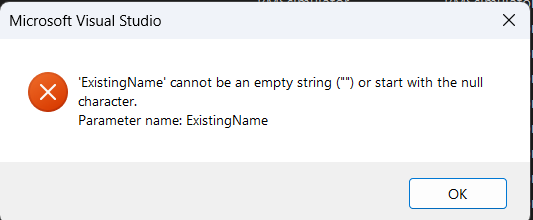
Hello all, i try to run eHMI on my bAXC F1152, but i cant get any my visualization. on https://192.168.1.10/ehmi/ i get error 404 Not Found, I use FW 2021.0.2 LTS (21.0.2.35550) and PE 2021.0.2 Build 4.7.1183.0. The projekt what don’t work working on F2152 normally,only one difference is that i haven’t SD card installed.on 1152 regards
I found the problem is in redirecting script, when i set in address full path to HMI pages https://192.168.1.10/ehmi/hmiapp.html its works, but normal redirect switch me to Welcome page: https://192.168.1.10/welcome/ This problem is the same on Win7 and on Linux Mint both use latest Mozilla Firefox browser
Hello, so what you are saying is that after a sucessfull? Project download the ehmi page of the AXC F 1152 is not working. Please make sure that both 1152 and 2152 have the correct FW version for the project you are using. Please make sure that the application you downloaded is actually running on the AXC F 1152 (Debug Mode in PLCnext Enginer). Please make sure that you repleace the PLC template from 2152 to 1152 if you reuse the same projcet for another PLC. Is the WBM of the 1152 reachable? What FW Version are you running on both controllers? If you just recently updated the AXC F 1152 please try executing a type 1 reset to clear eventual remnants of old FW versions. For further debugging consinder providing the Output.log file located on your PLC. kind regards, Oliver Warneke
hello, sorry I did not see your reply when I wrote my answer. So if you simply enter “https://192.168.1.10” you are not redirected to the ehmi? → Maybe you have some browser cache enabled that remembers the Welcome redirect? (that sometimes happens) So has this issue been solved by editing the link to https://192.168.1.10/ehmi/hmiapp.html completly or do you need further support?


Hi Oliver, yes when i enter https://192.168.1.10/ i will redirect to Welcome page, on it when click to WBM i get WBM page. When i used old 2019 FW an PE it works, now when i upgrade to latest 2021.0.2 on FW and PE don’ t work 1152 nor 2152. I used my project from training, then i expect to work as before. For my customer is not good to write down https://192.168.1.10/ehmi/hmiapp.html to get eHMI app. I think is something changed in WEB server redirecting script. On Chrome i saw texht redirect to HMI when i loaded https://192.168.1.10/ but on Mozilla is show redirect to Welcome. this is shown wheni clear my cache and cookies, it don’t help
Hello, please try clearing the browser cache for the site. I can not reproduce this issue with AXC F 2152FW 2021.0.2 For me the redirect to ehmi page works fine. You can press F12 for developper tools in most browsers. In the network Tab you can use the setting “Disable Cache” if you did that try reloading “192.168.1.10”