Hi,
In PLCnext engineer we’ve now the option to include Modbus client form the get-go.
It is also very help full to make device templates as this gives the option to make a basic software template.
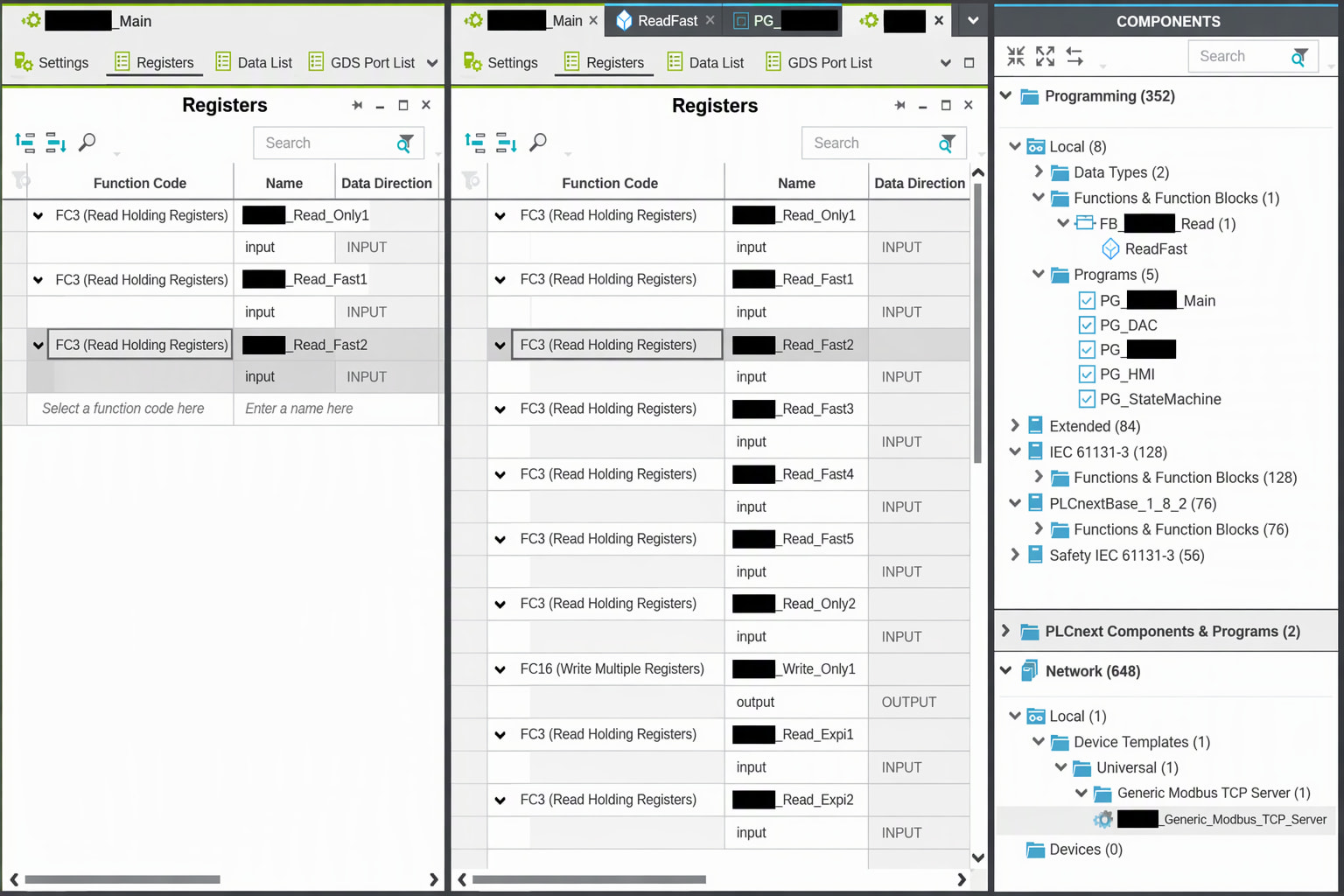
But when loading a Modbus device template it losses its registers. This is not convenient.
A work around would be:
- CTRL+A in the original Modbus device
- CTRL+C
- CTRL+V in the “new” Modbus device
But this does not work either. So I’ve to manually copy every register over by hand (I know big problem, engineers are lazy when they can automate work haha )
What I do to generate a Modbus device template.
- Create a Generic Modbus TCP Server in the Modbus TCP Client
- Fill in the registers
- Right click on the Device in the plant and Create Device Template.
- In Modbus TCP Client I create a new entry with the template from the dropdown menu.
- Change the IP addresses to avoid a conflict
- Check the Registers (they aren’t there)
It would be nice if the Registers are cooperated in the Modbus Device Template.
This would improve our workflow for new projects.
Image is for illustration.