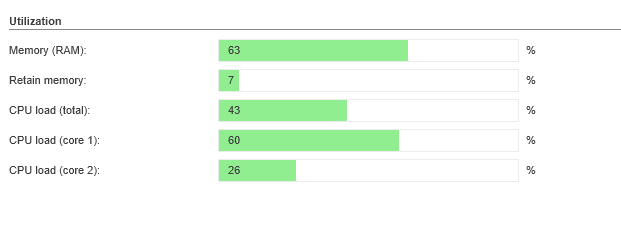
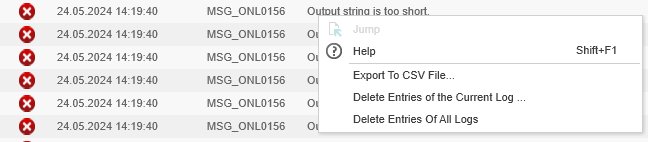
Hello, We got a problem on the field with our PLCnexts that simply stop working after 7 days or less. We then cannot connect by any means like ssh, telnet or the hmi. The system only responds to pings. The expected system behavior is stopped. The /opt/plcnext/logs/Output.log file does not contain any relevant information (just a blank “NULL NULL NULL …” string at the time of the event). We also observed once the appearance of zombie processes before the crash. In my investigation, I found two interesting items in the release notes that may explain theses crashes (our PLCnext have FW 2020.0.1):
* Release note: “System files modified with “root“ access could prevent proper reboot after a firmware update.”We actually did modify the nginx.conf files using root access before upgrading the OS from 2019.9 to 2020.0.1, but we never encountered any booting problem. How can we get around this problem? What if we change (as root user) the owner of this file to “admin:plcnext” before making the firmware update? Any other suggestions?
* Release note: “The PLCnext CLI version used must match the current SDK for this version. Downward compatibility cannot be guaranteed”
We actually did compile our C++ library using SDK 2019.9 and PLCnCLI 2020. Is this possible compatibility problem will lead to simple compiler errors/warnings or instead lead to real system instabilities? - → Also, in your documentation, you are asking to be logged as root before installing dotnet. Is this could lead to the same kind of problem after a firmware update? - → Finally, does the PLCnext uses a hardware or software watchdog ? We are afraid that zombie processes can block a software watchdog. Yes, the “System Watchdog” parameter “Restart after system watchdog” is set to “Allowed” Thanks Frédéric ********************************************************************************** Update: Attached extra PDF and PNG files with diagnostic informations. **********************************************************************************