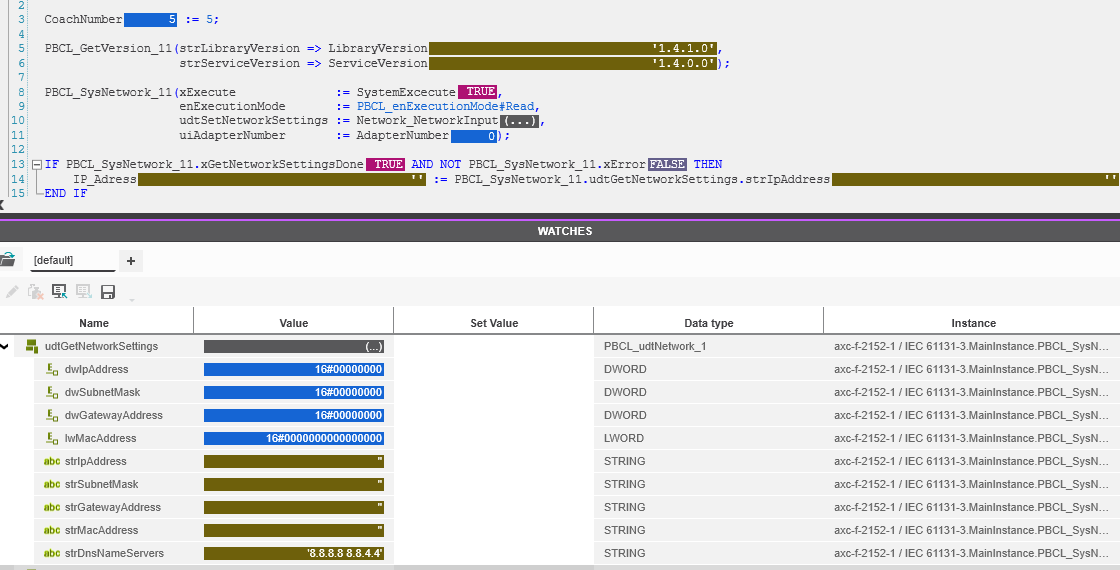
For my work I want to read the IP of the local PLC itself to make configurations in the code depending on the IP address so I can have 1 program to manage multiple different PLC’s doing roughly the same actions.
I use the following setup:
PLCnext Engineer 2024.0 LTS
PLCnextBase_1_4_1
I thought that this PBCL function would work but it gave me an empty string
Thanks for the response. In the screenshot I have the adapternumber indeed on 1 but at first I did set this value to 0. But I will try the ip addr next week when I have access again to the PLC.
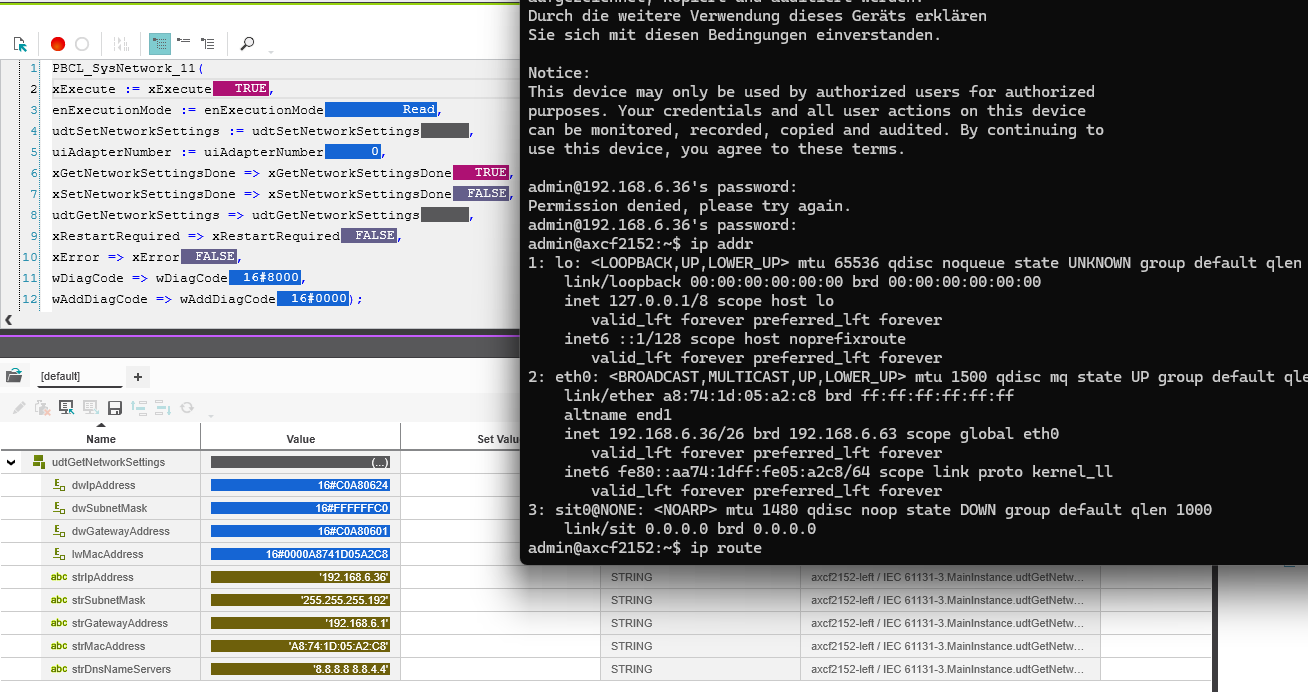
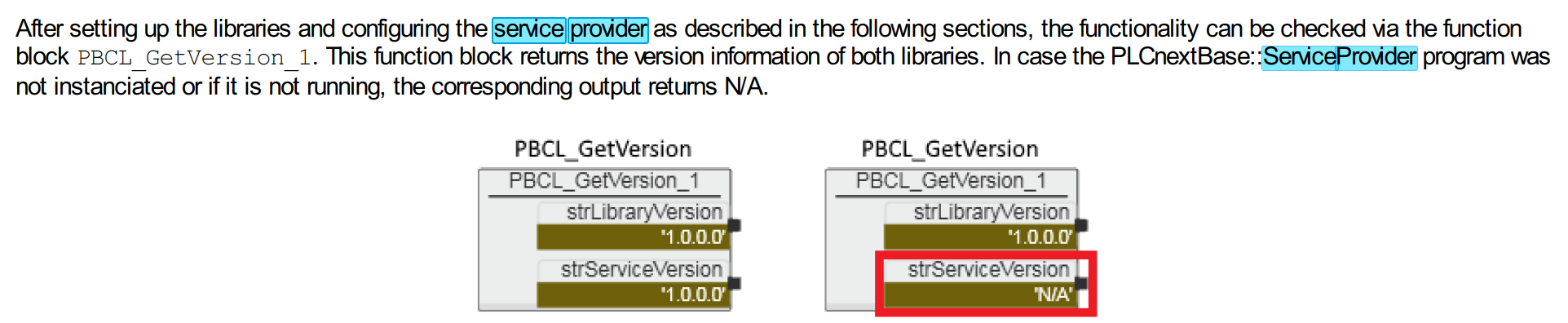
I tried the ip addr function an said the IP adrress was set to adapter 0 (eth0). But when changing the adapternumber nothing changed. Also in documentation of PLCnextBase I checked if the service provider was running and that seems to be running when looking at my code.
At the moment I am not able to reproduce the behavior you are seeing.
Could you create a small demo project in which the issue can be reproduced, containing only the necessary functionality for reading the IP address?
Please archive the complete PLCnext Engineer project and send the archive to Phoenix Contact Support Netherlands. Then we can take a closer look at the application.
The problem was found from the Support Netherlands but just wanted to mention the solution would someone else have the same issue.
The solution was to upgrade to PLCnextBase library. I first had the version 1.4.1 but I now added the 1.6.4 version. After that the rest worked as desired.
Thanks for the support.